Menus, footer, pages and the blog
The main menu and its dropdown, the menu on a phone, the footer with the newsletter, a page, the contact form, the blog and a page that doesn't exist.
The main menu
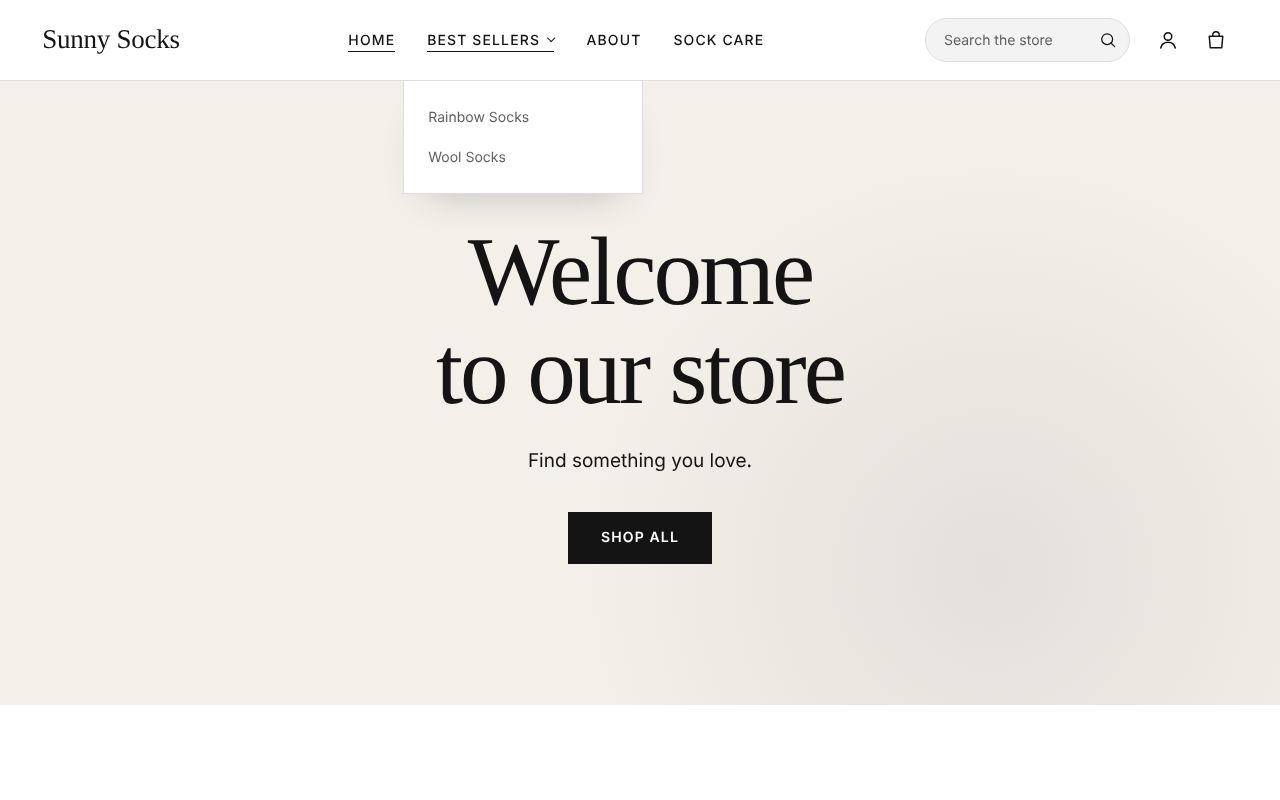
The main menu is in the header. An item with a small arrow, such as Best sellers, has more items under it: move the mouse over it and they drop down, here Rainbow Socks and Wool Socks. Click an item to open it.
On a phone, press the ☰ button at the top left. The menu opens under the header, with the items under Best sellers shown below it. Press ✕ to close it.
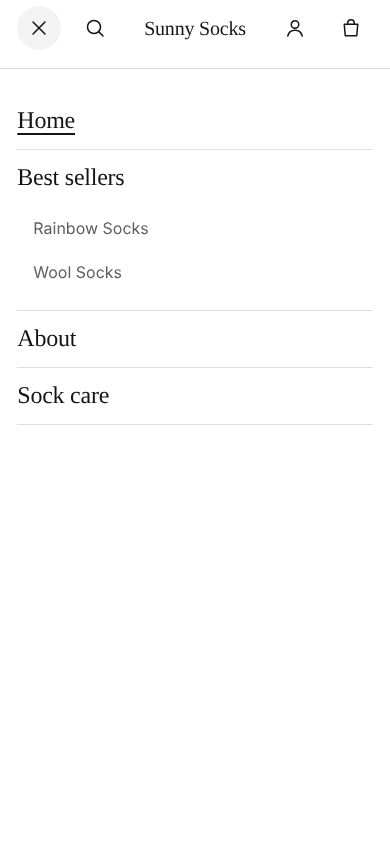
The owner builds this menu in Online Store → Menus (see Menus).
The footer
Scroll to the bottom of any page to see the footer. It has:
- the store’s name;
- the footer menu, here Search, Size guide and Contact us;
- Join our newsletter, with New arrivals, restocks and stories, now and then. Unsubscribe at any time., the Email address box and an arrow button;
- © 2026 Sunny Socks · Powered by RetailPrime at the very bottom. Once the owner writes the store’s policies, links to them show here too (see Policies).
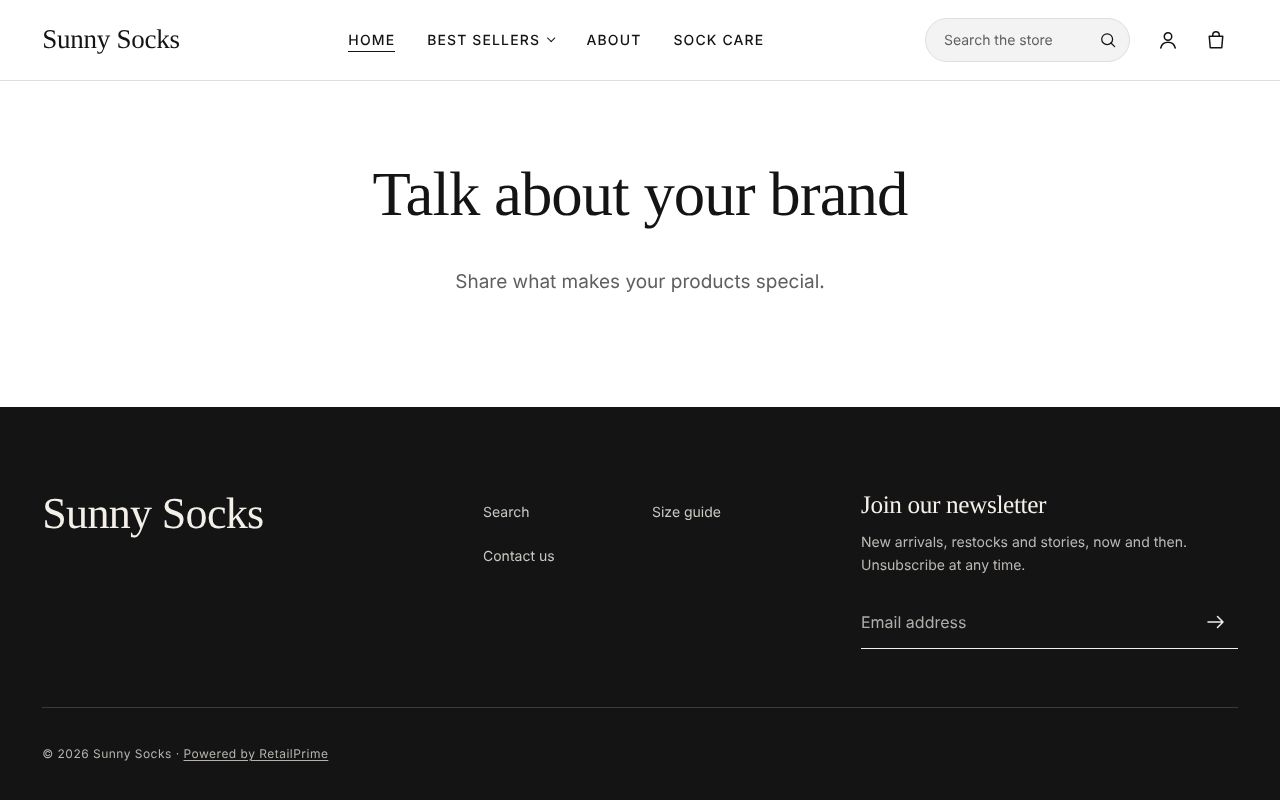
Join the newsletter
- Type an email in Email address, such as
sara.malik@qamail.retailprime.app. - Press the arrow button.
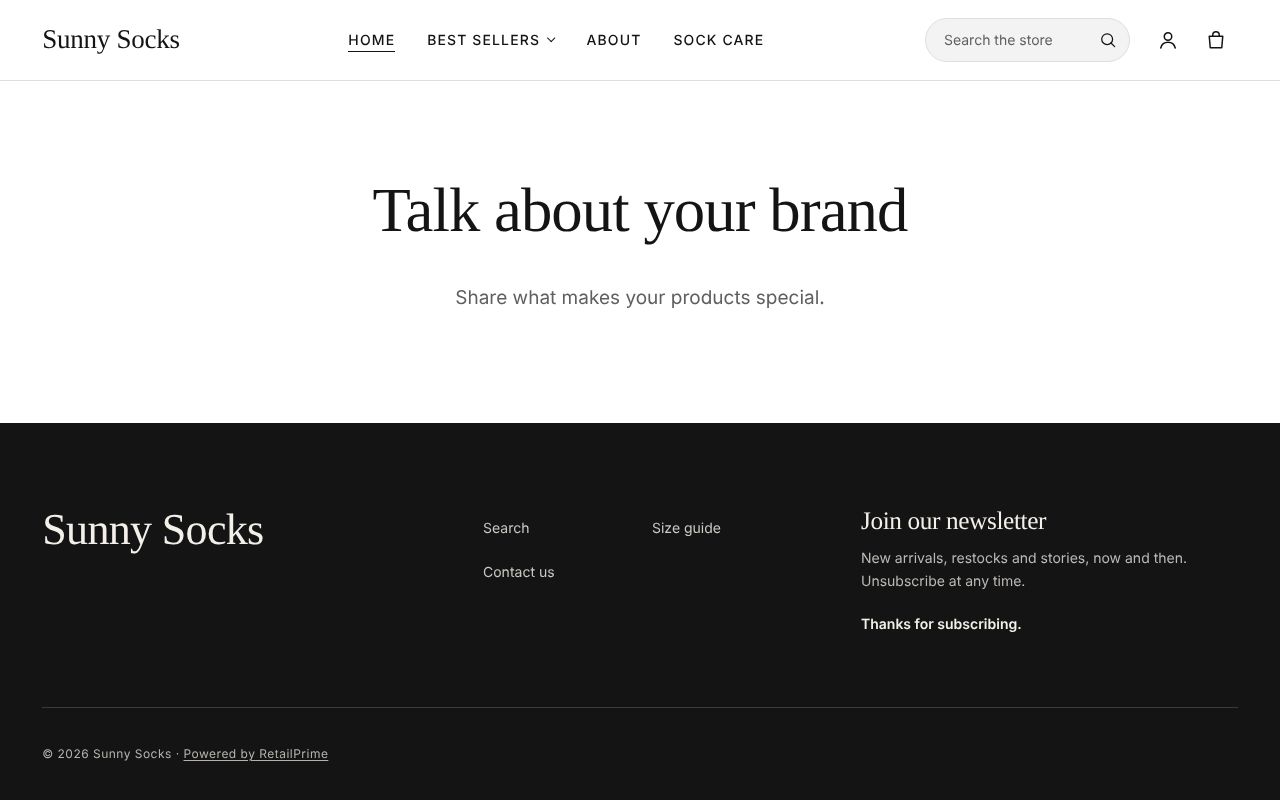
The box is replaced by Thanks for subscribing. The buyer is now a customer in Customers in the Admin, subscribed to the store’s marketing emails.
A page
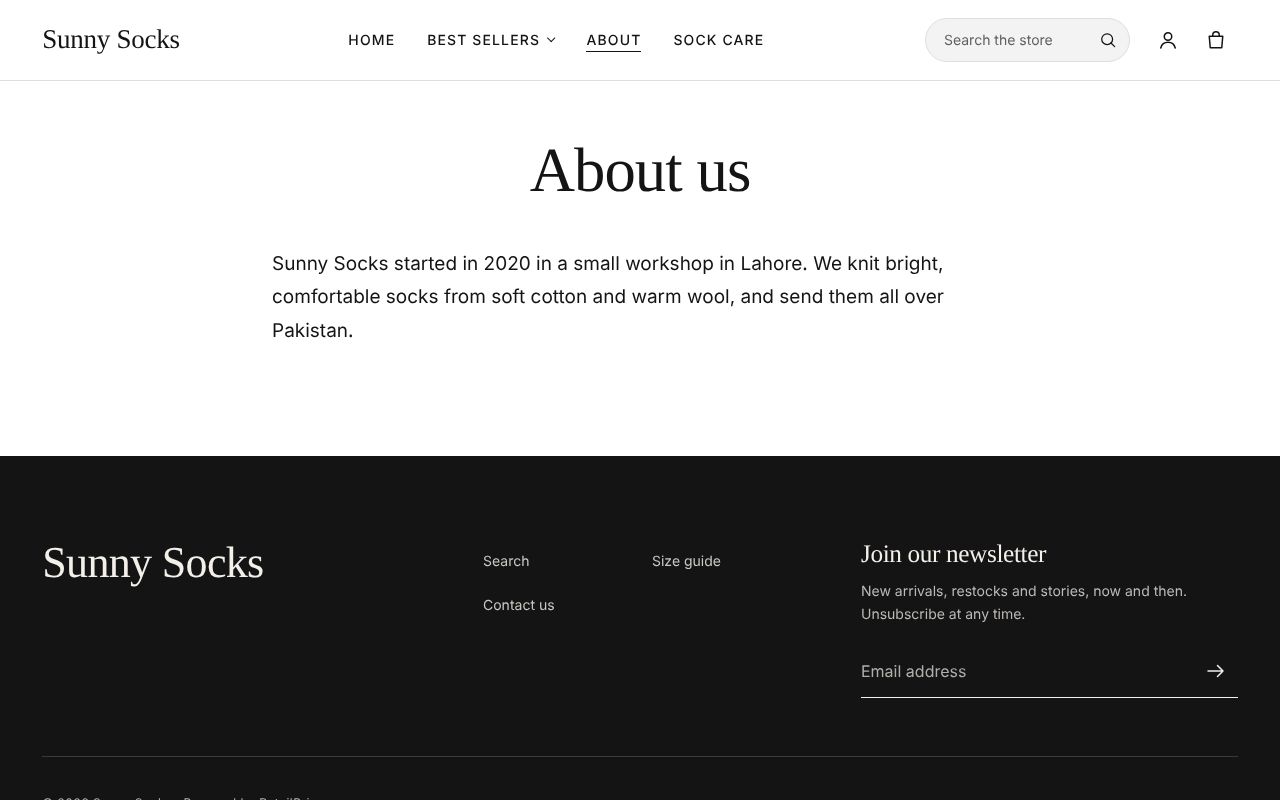
Press About in the menu. A page shows its title and its words, here About us (see Pages).
The contact form
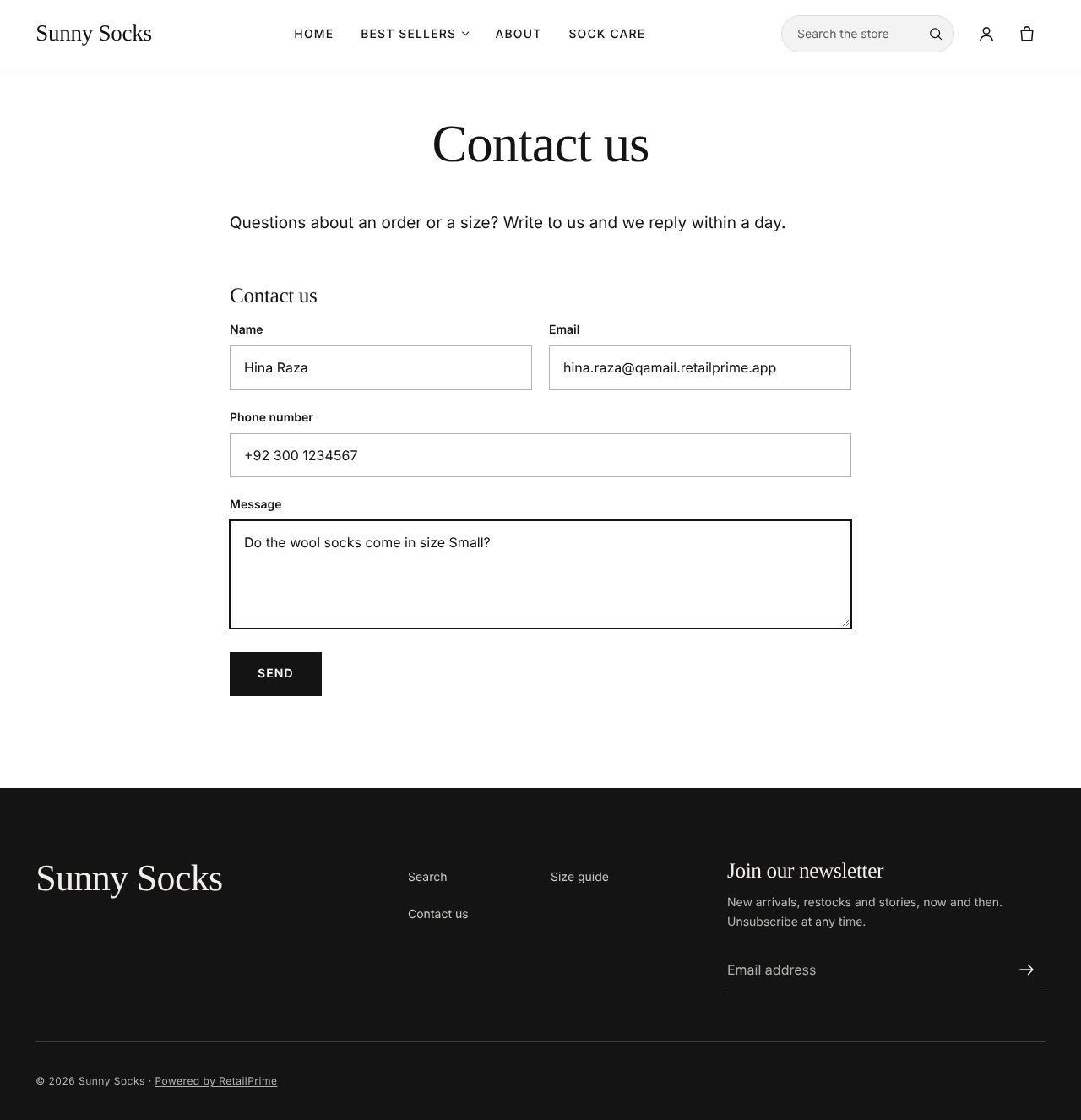
A page made with the theme’s contact template has a form under its words. Here it is Contact us, in the footer menu.
| Box | What to type | Example |
|---|---|---|
| Name | The buyer’s name | Hina Raza |
| Where the store can reply | hina.raza@qamail.retailprime.app |
|
| Phone number | A phone number | +92 300 1234567 |
| Message | The question | Do the wool socks come in size Small? |
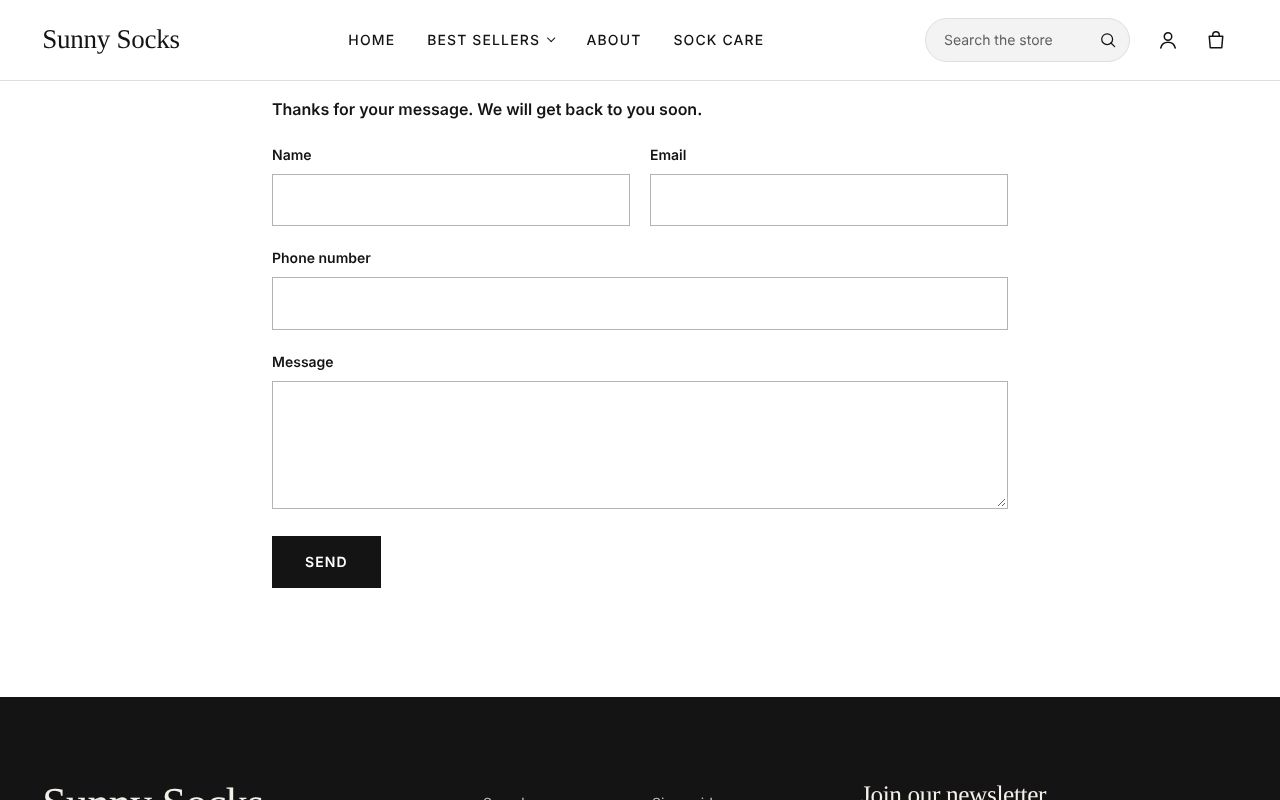
Press Send. The page shows Thanks for your message. We will get back to you soon. above an empty form. The message is emailed to the store.
The blog
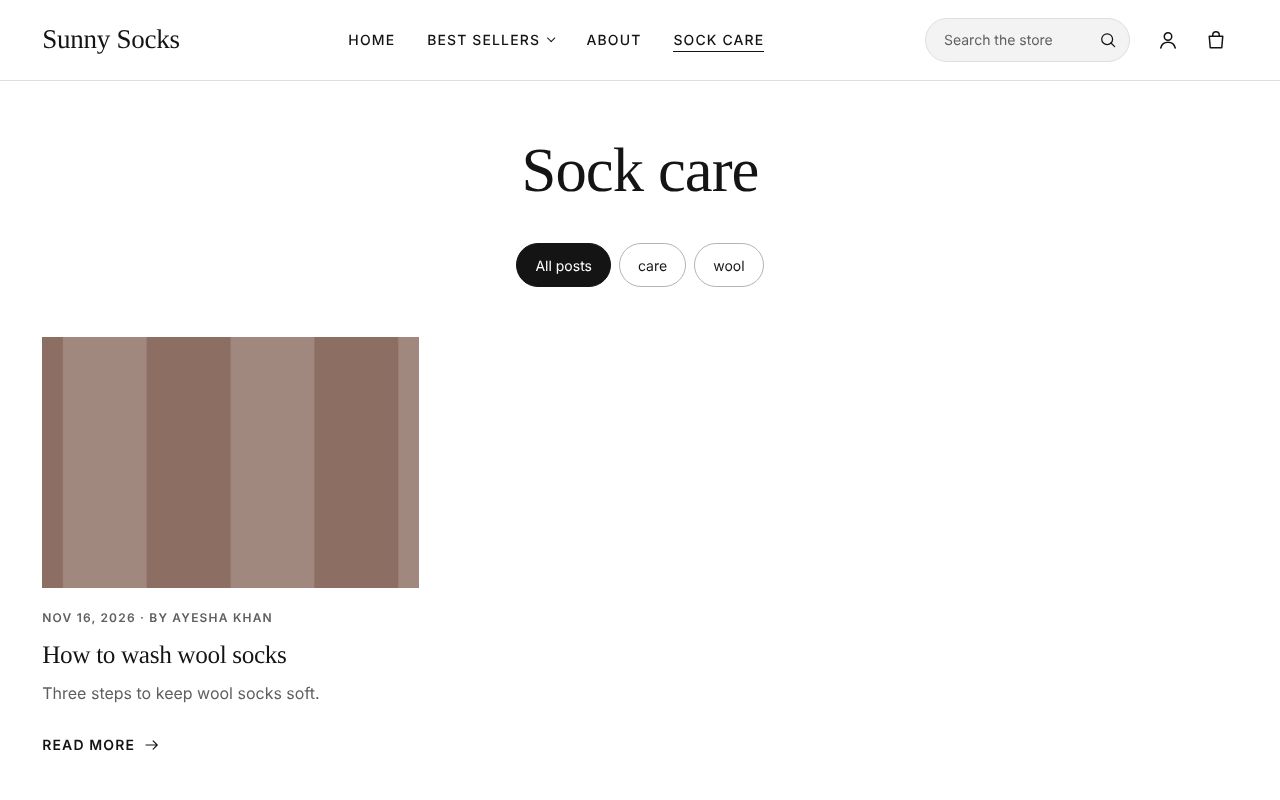
Press Sock care in the menu. A blog shows its posts as cards, each with its picture, date, author, excerpt and Read more. The round buttons at the top, All posts, care and wool, show only the posts with that tag.
Press the post’s title or Read more to open it. A post shows Back to Sock care, its title, date and author, its picture, its words and its tags.
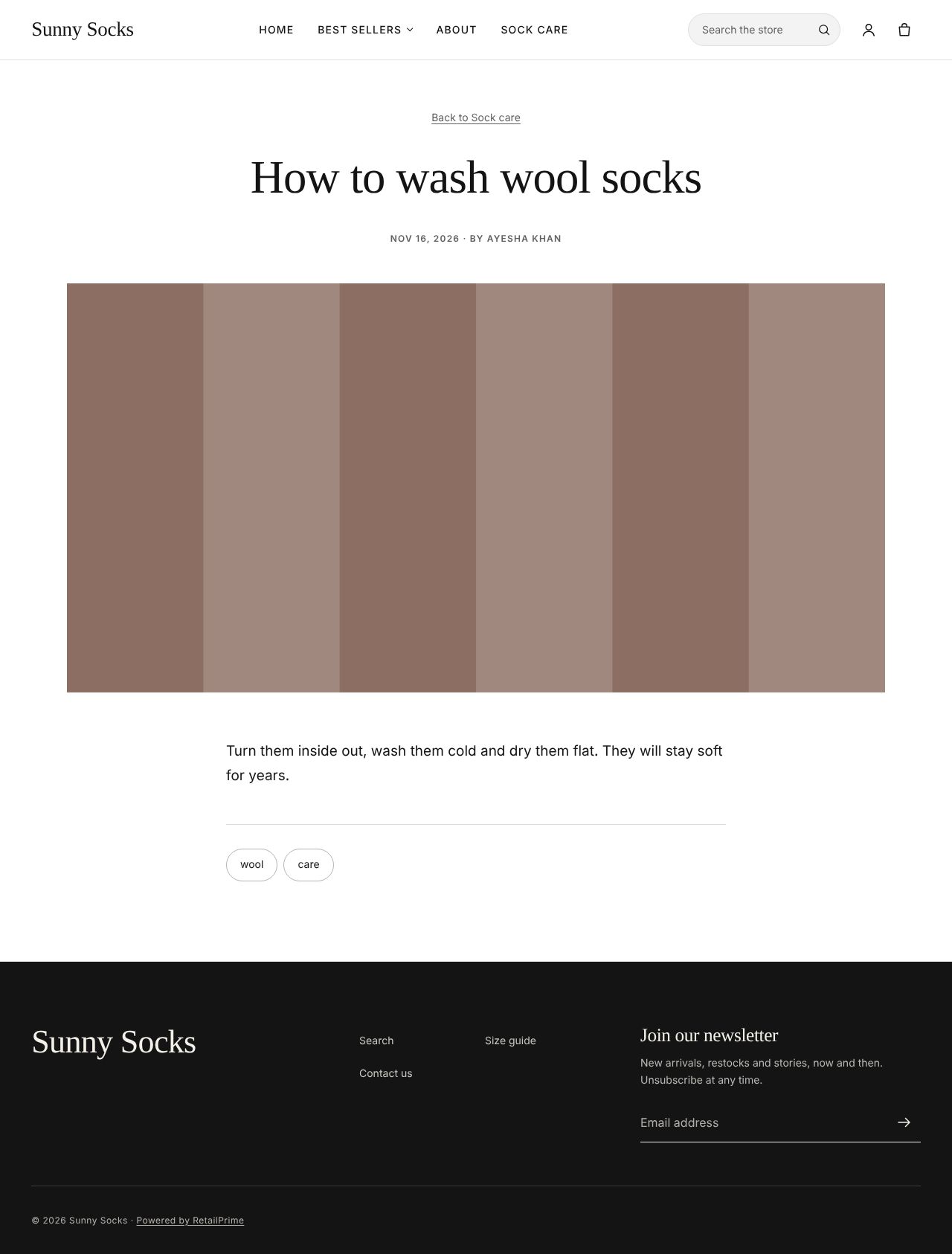
Blogs and posts are written in Content → Blog posts (see Blogs and blog posts).
A page that doesn’t exist
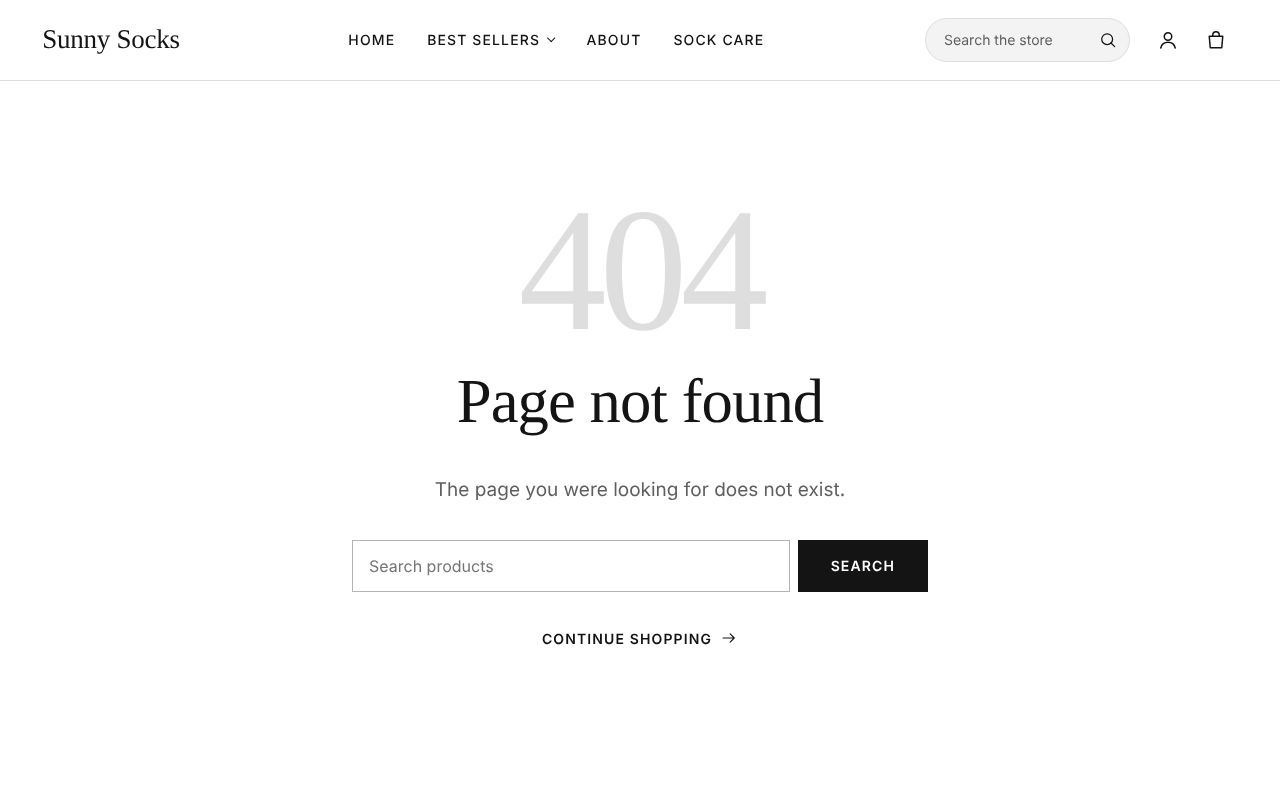
An address that is not in the store, such as /pages/opening-hours, shows 404 and Page not found with The page you were looking for does not exist., a Search products box with Search, and Continue shopping.
What’s next
Collections and filters: browse the products, sort them and filter them.