Search
Suggestions while you type in the header, the search results page with what to show, and a search that finds nothing.
Suggestions as you type
Click Search the store in the header and start typing, such as soc. A list of suggestions opens under the box:
- at the top, a suggested search, such as Sock Gift Box;
- the products that match, each with its picture and price;
- pages that match, such as About us;
- at the bottom, Search for “soc”, which opens the full results.
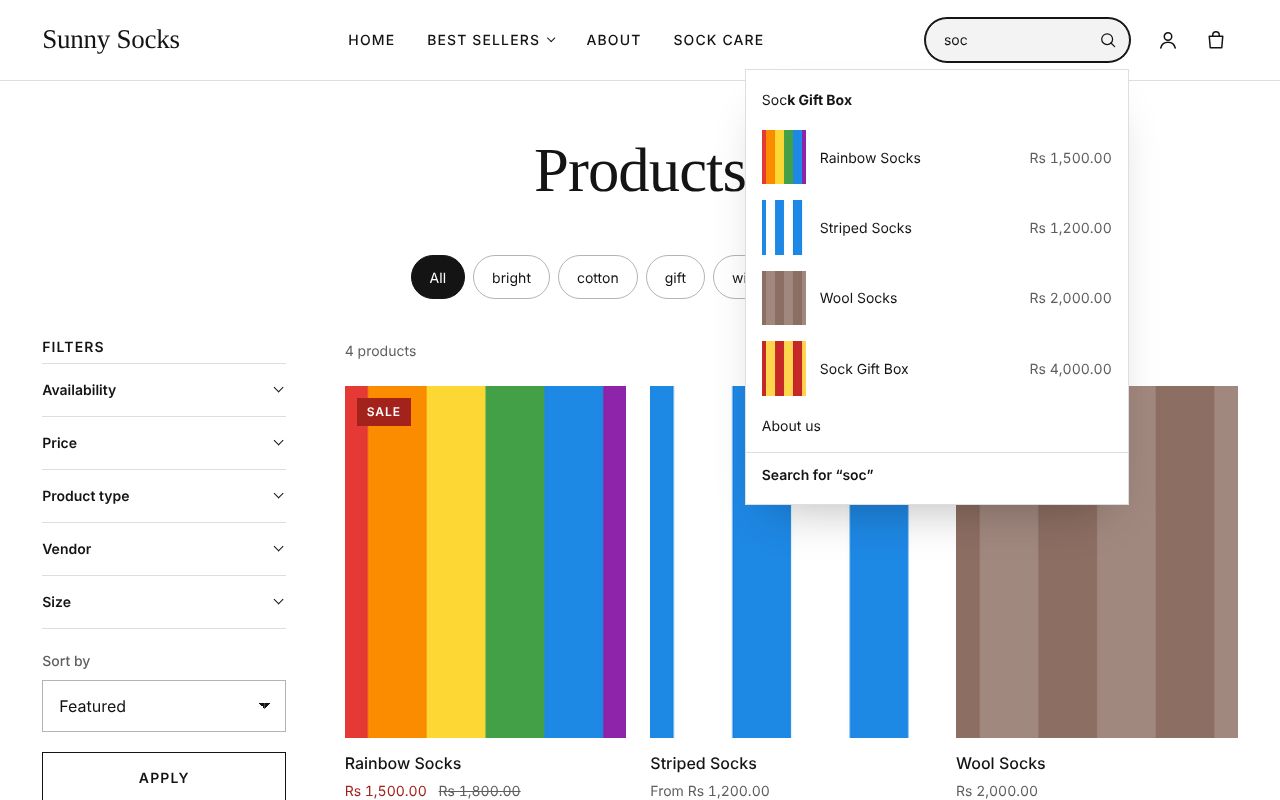
Press a suggestion to open it, or use the arrow keys and Enter. On a phone, press the magnifying glass in the header first to show the search box.
The results page
Type what you are looking for, such as wool, and press Enter (or Search for “wool” in the suggestions). The Search page opens. It shows 3 results for “wool”: the Wool Socks product, then, further down, the blog post How to wash wool socks and the page About us, which both have the word in them.
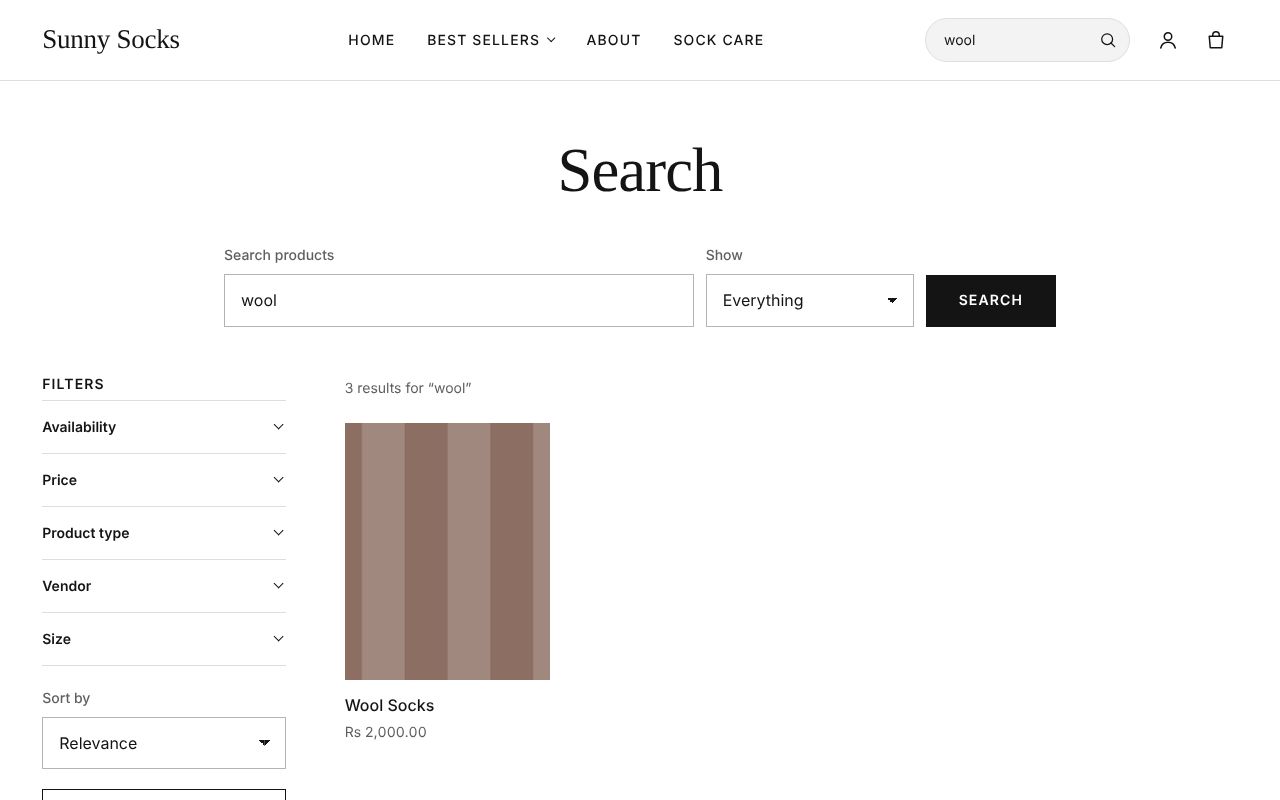
At the top:
| Box | What it does | Example |
|---|---|---|
| Search products | What to look for | wool |
| Show | Everything, Products, Pages or Blog posts | Blog posts |
Press Search to search again. On the left, the Filters and Sort by (Relevance, Price, low to high or Price, high to low) work as on a collection, with Apply (see Collections and filters).
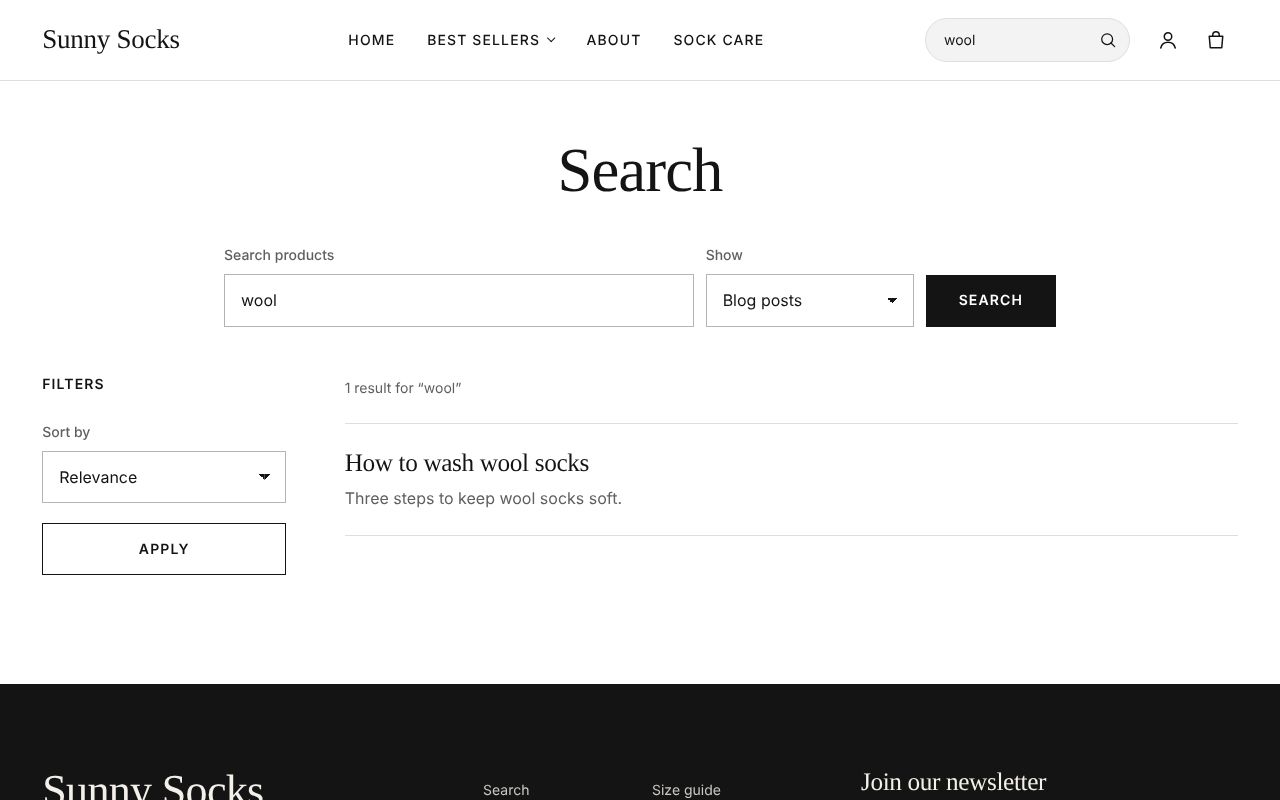
Here is the same search with Show set to Blog posts: 1 result for “wool”, the post with its excerpt.
When nothing matches
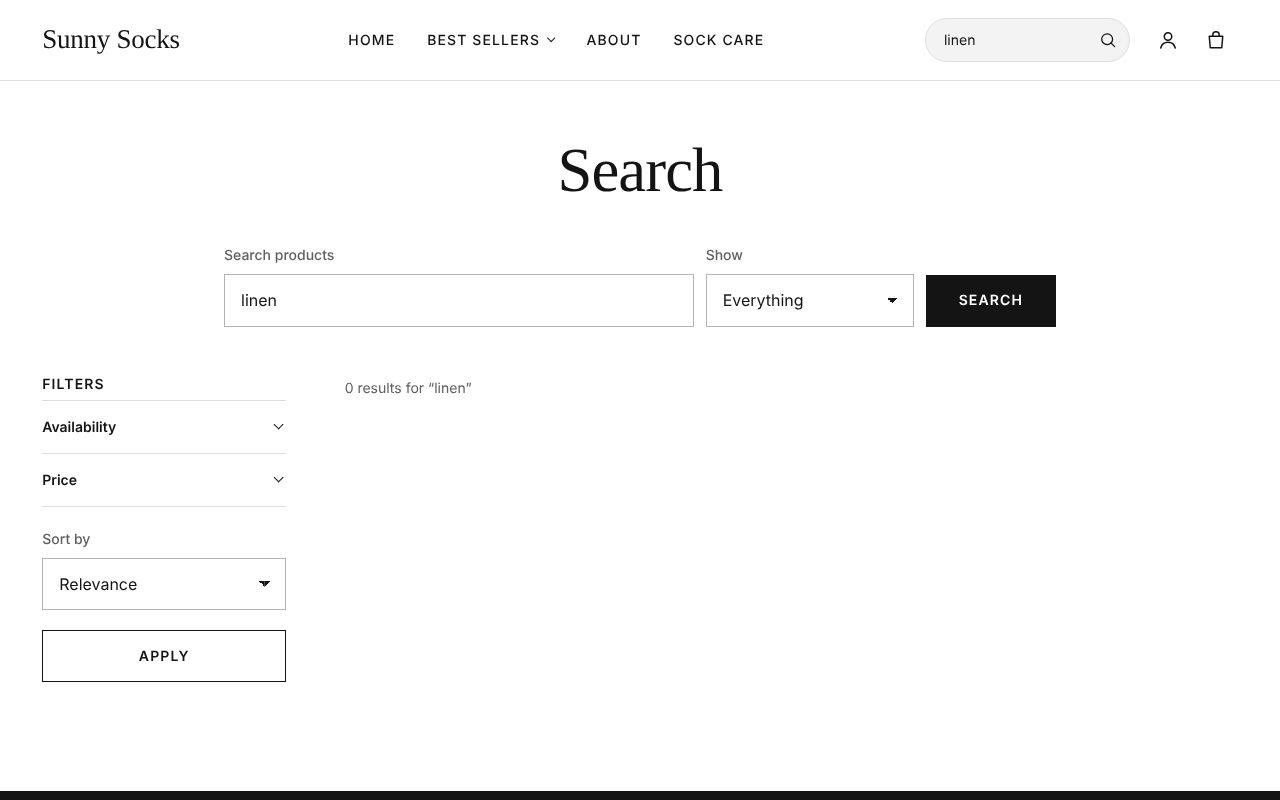
A search that finds nothing, such as linen, says 0 results for “linen”.
The owner can change what search finds, its suggestions and synonyms in Online Store → Search (see Featured products, synonyms and result types).
What’s next
A product page: choose a size and a quantity, and add it to your cart.