A product page
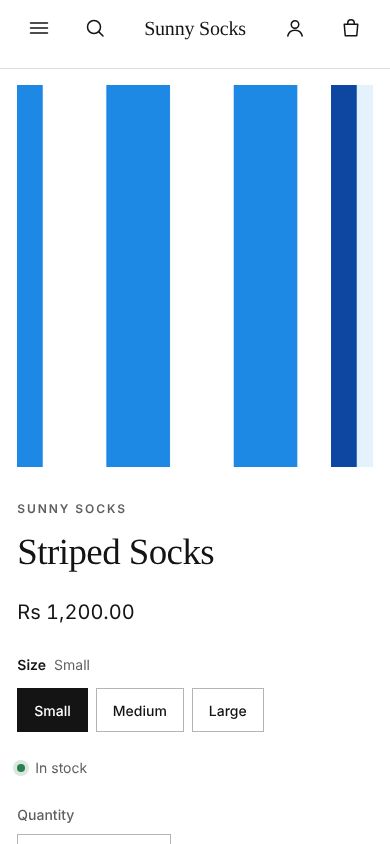
A product's pictures, price, sizes, stock, quantity, description and Add to cart, a product on sale, and the same page on a phone.
Press a product’s card anywhere in the store to open its page. Here it is Striped Socks.
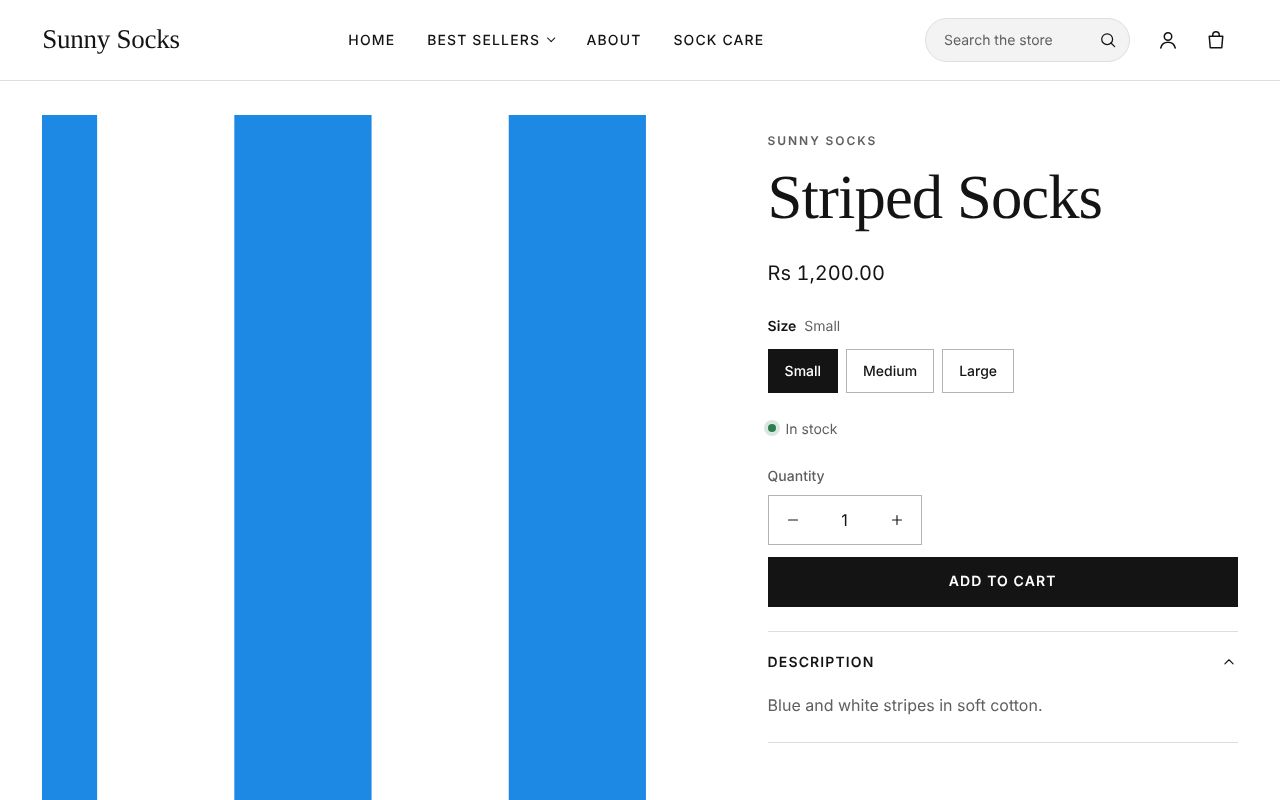
From top to bottom on the right:
| Part | What it is |
|---|---|
| SUNNY SOCKS | The product’s vendor |
| Striped Socks | The product’s name |
| Rs 1,200.00 | The price of the size chosen |
| Size | One button for each size. The one chosen is black, and its name shows next to Size |
| In stock | Whether the chosen size can be bought |
| Quantity | How many to buy, with − and + |
| Add to cart | Puts them in the cart |
| Description | The product’s description. Press it to close or open it |
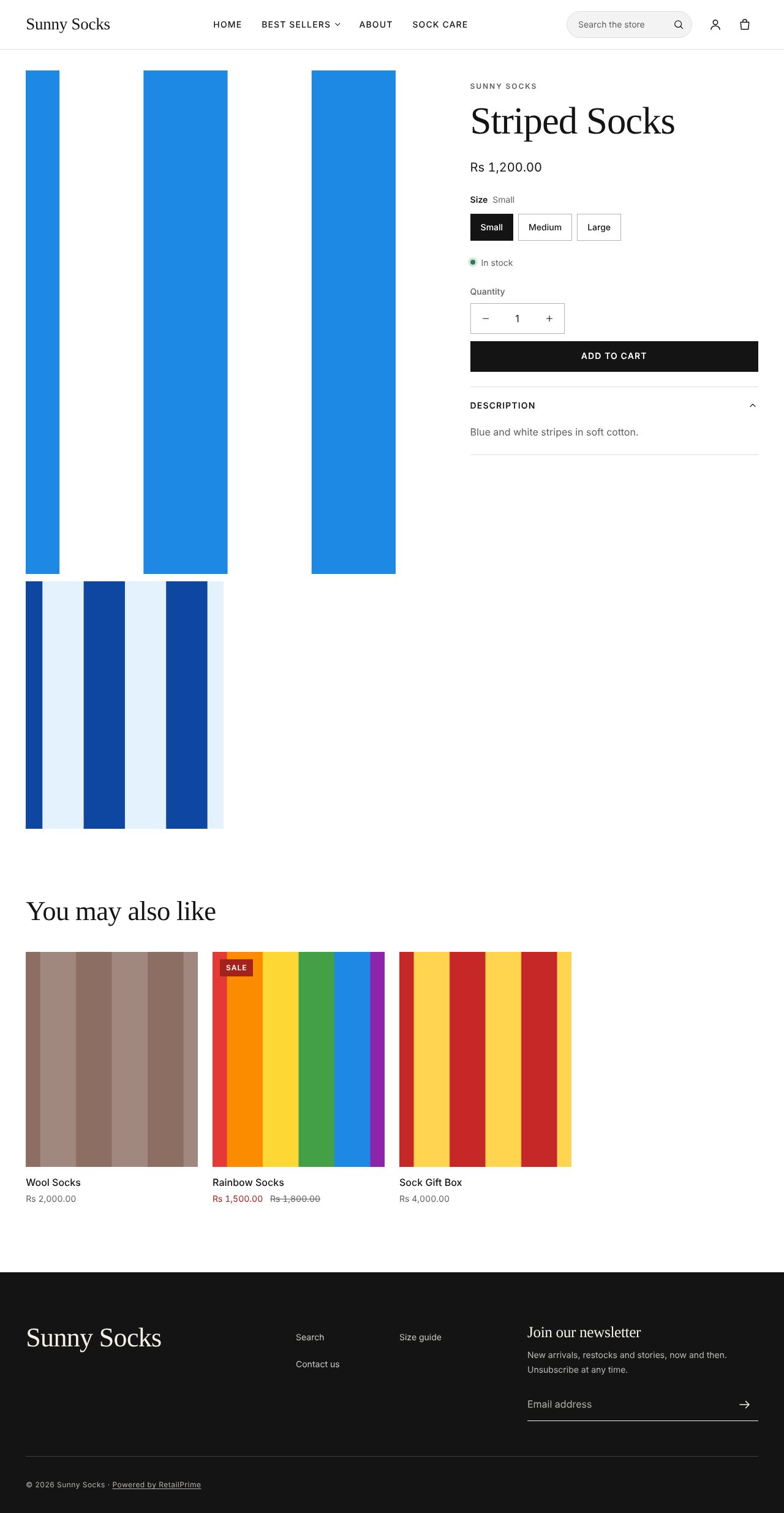
Scroll down to see all the product’s pictures, then You may also like: other products of the store.
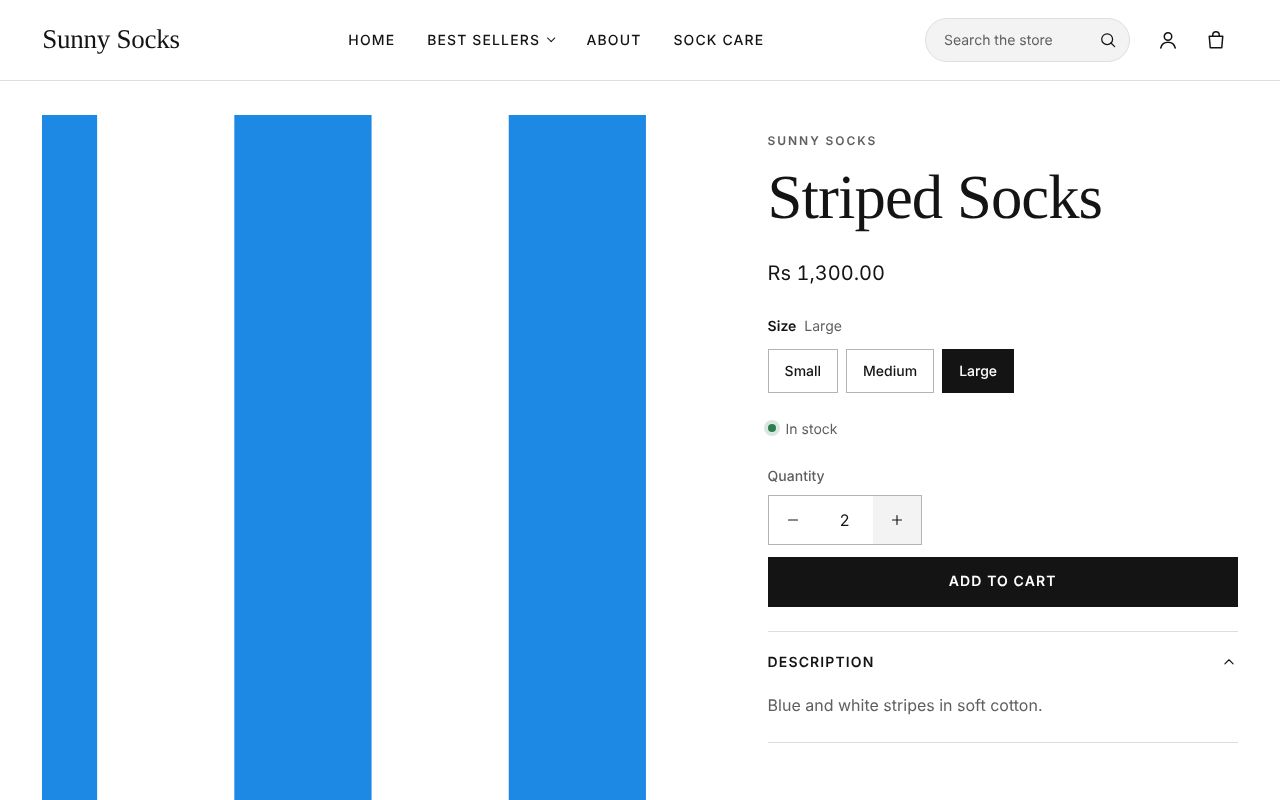
Choose a size and a quantity
- Press a size, such as Large. The price changes to that size’s, here Rs 1,300.00, and Size says Large.
- Press + to buy one more. Quantity shows
2. You can also type a number in the box.
- Press Add to cart. The cart opens (see The cart).
A product on sale
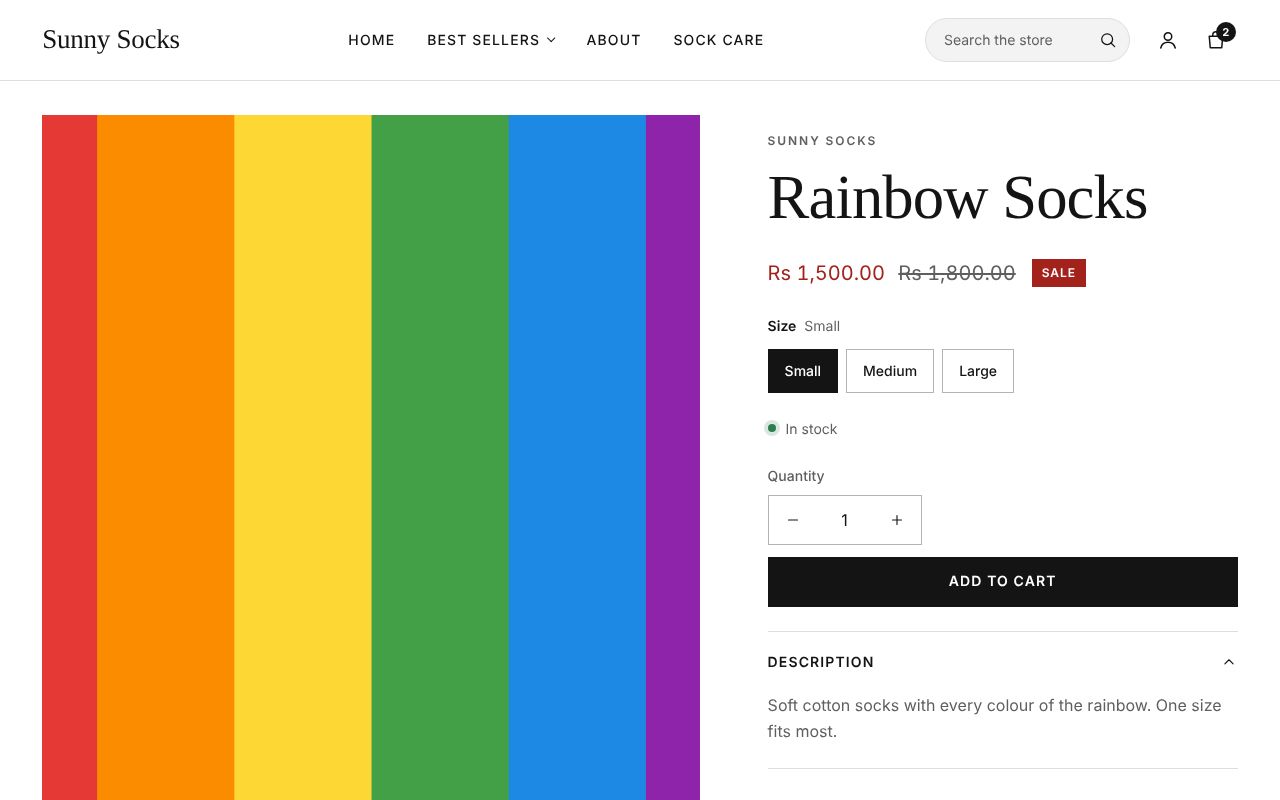
A product on sale shows its sale price in red, its old price crossed out and a red Sale label. Here Rainbow Socks is Rs 1,500.00 instead of Rs 1,800.00. The old price is the Compare-at price the owner set (see Add a product).
On a phone
On a phone the pictures come first, one at a time: swipe them sideways to see the next. The details follow underneath.
What’s next
The cart: change quantities, add a note and remove items.