After the order
The thank-you page, the order confirmation email, the shipping email and the order status page with tracking.
The thank-you page
Right after paying, the buyer sees their order’s page, Order #1001, with Thank you for your order. This is the order status page: the buyer can come back to it at any time from the link in their emails.
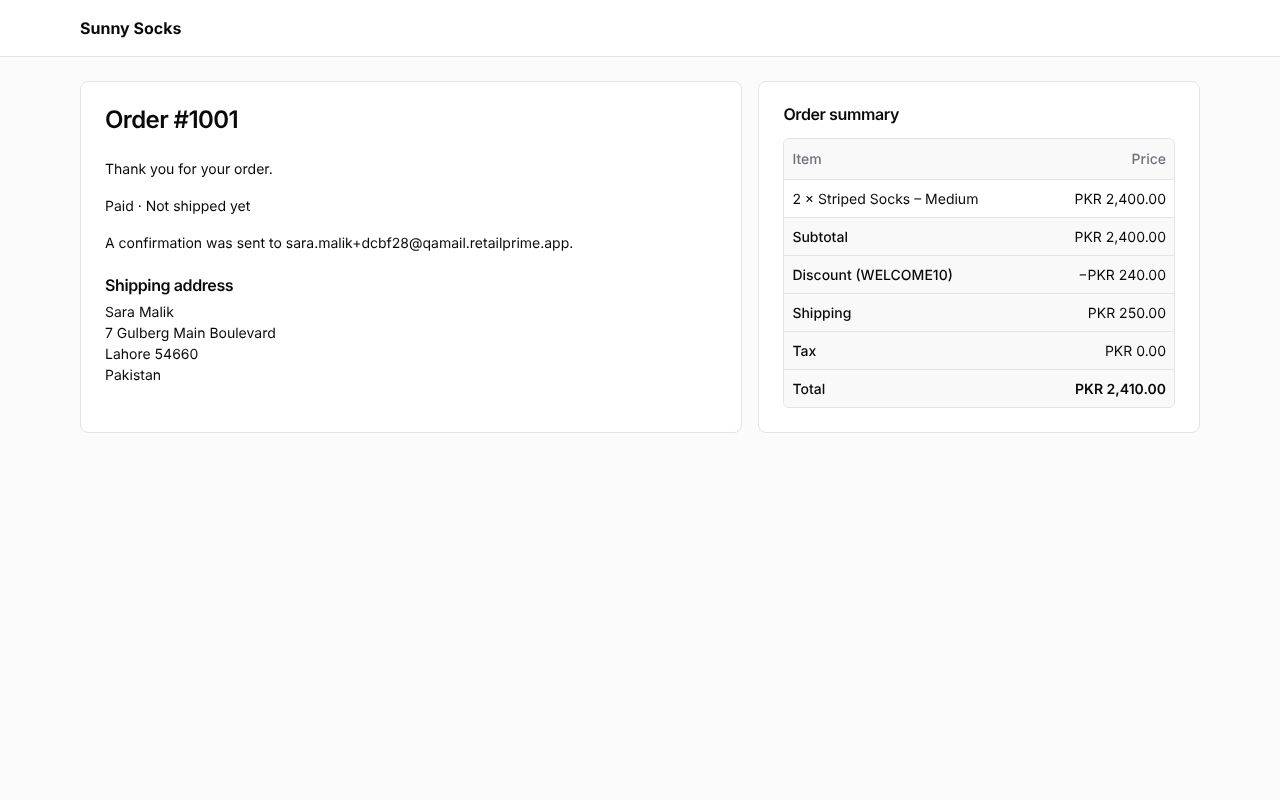
It shows:
- Thank you for your order.;
- the order’s state: whether it is paid (Paid) and shipped (Not shipped yet, Partly shipped or Shipped);
- A confirmation was sent to and the buyer’s email;
- the Shipping address, or Pickup and the store’s location for an order to pick up;
- on the right, the Order summary as at checkout.
The store sees the new order in Orders in the Admin (see The orders list).
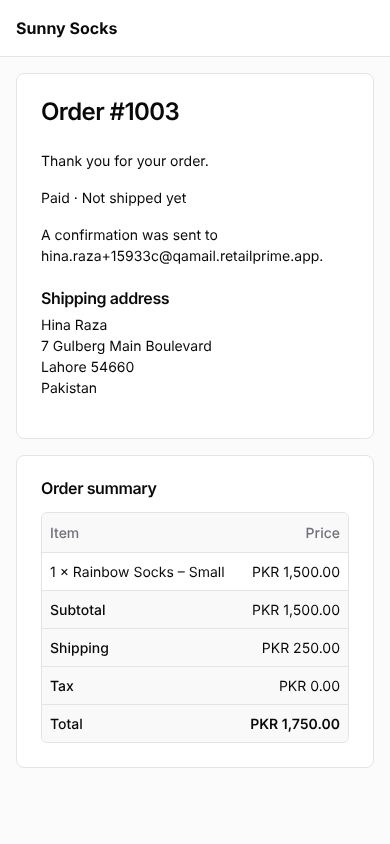
On a phone, the Order summary comes under the order’s details:
The confirmation email
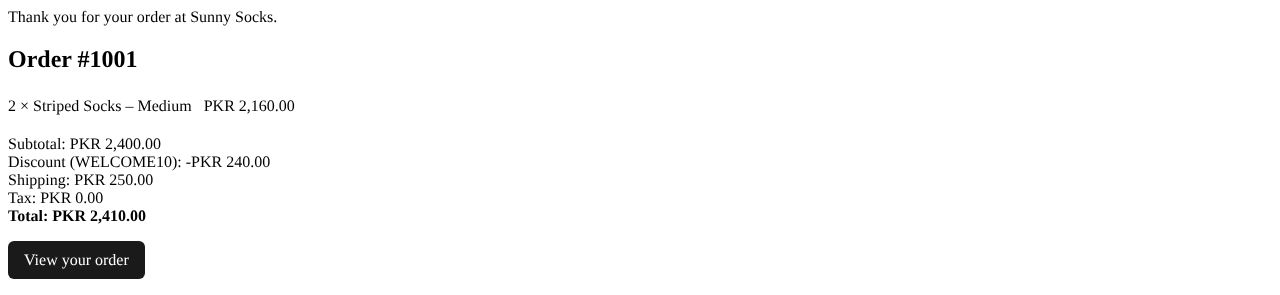
The buyer gets an email, Order #1001 confirmed. It says Thank you for your order at Sunny Socks., then Order #1001, the items, Subtotal, the discount, Shipping, Tax and Total, and a View your order button that opens the order status page.
Settings → Notifications lists every email buyers get, and when (see Notifications and webhooks).
When the order ships
When the store fulfils the order with tracking and Notify customer ticked (see Fulfil and deliver), the buyer gets a second email, Items from order #1001 are on the way. It lists the items sent, Tracking: TCS 771234, Track your shipment (the courier’s tracking page) and View your order.

The order status page later
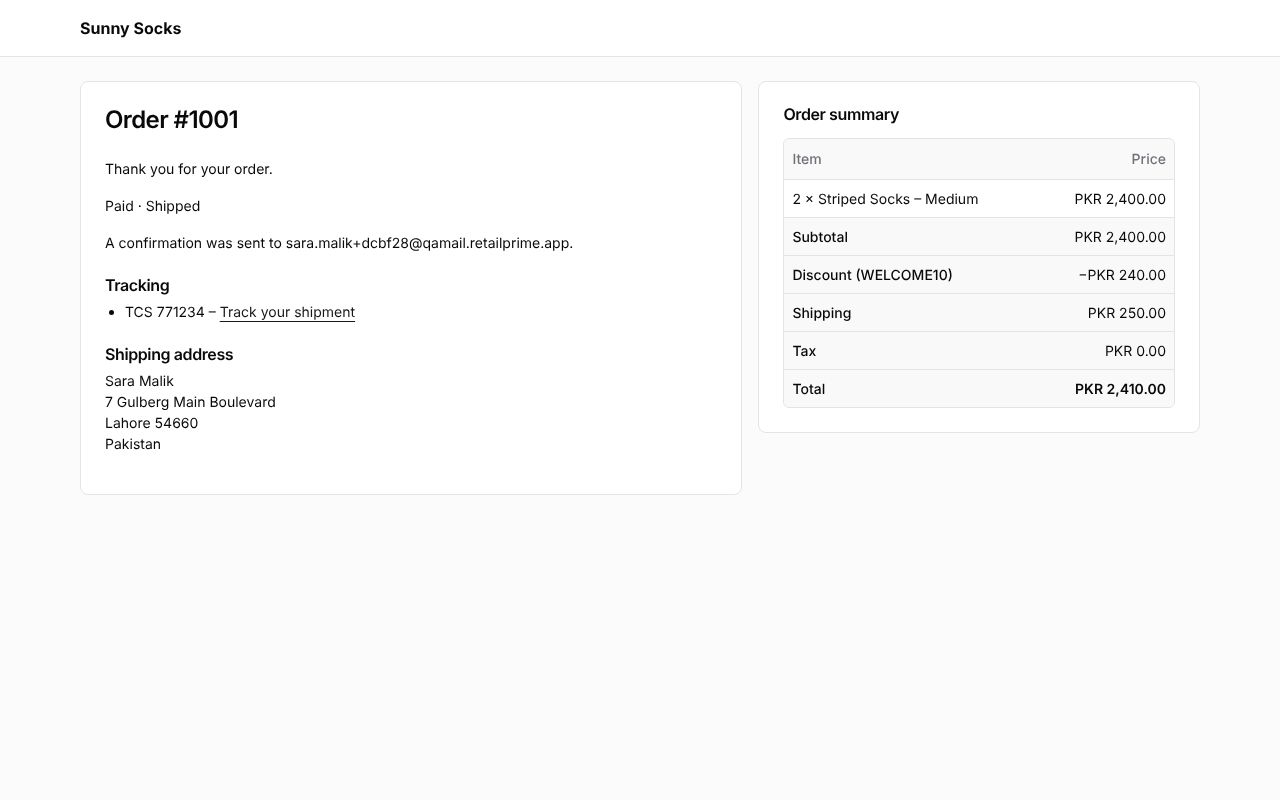
View your order in either email opens the order status page again. It now says Paid · Shipped and has a Tracking section, TCS 771234 – Track your shipment.
A signed-in buyer also finds the order in their account (see Orders and returns).
What’s next
Pick up in store: the same checkout when the buyer collects the order.