Collections and filters
The list of collections, a collection, every product, sorting, and filtering by size and price.
The collections
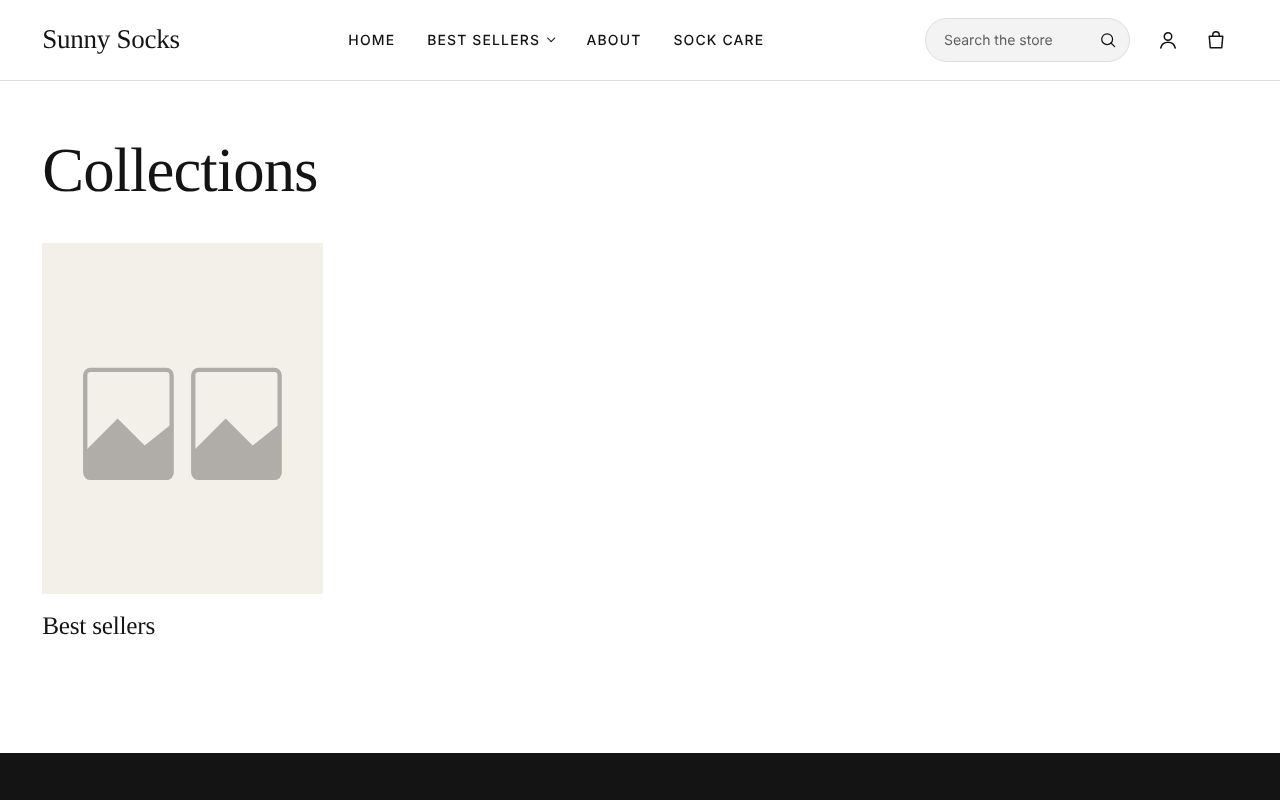
The address /collections (or Collections in the header of a store without a main menu) lists every collection as a card with its picture and name. A collection without a picture of its own shows a grey placeholder picture.
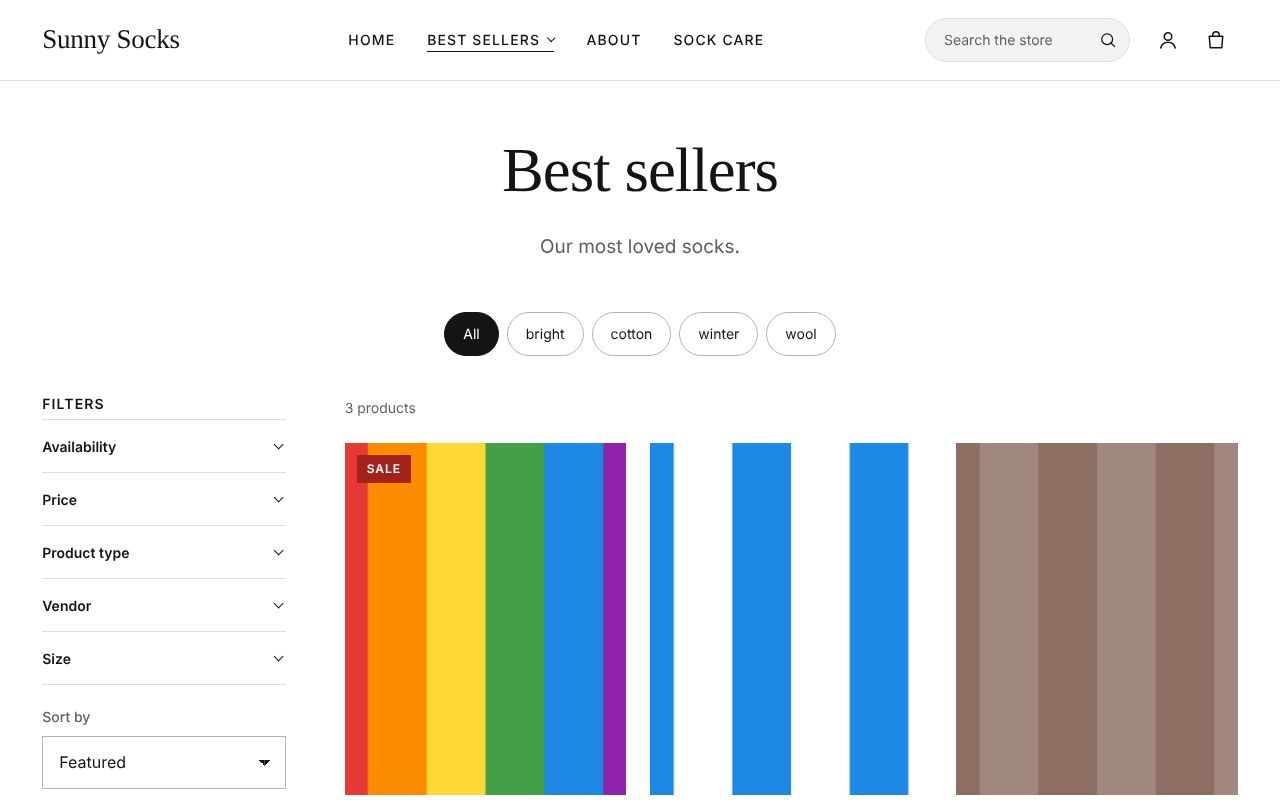
Press a collection to open it. Here, Best sellers shows its title, its description Our most loved socks., the products’ tags as round buttons, Filters on the left and its 3 products.
Collections are made in Products → Collections (see Collections).
Every product
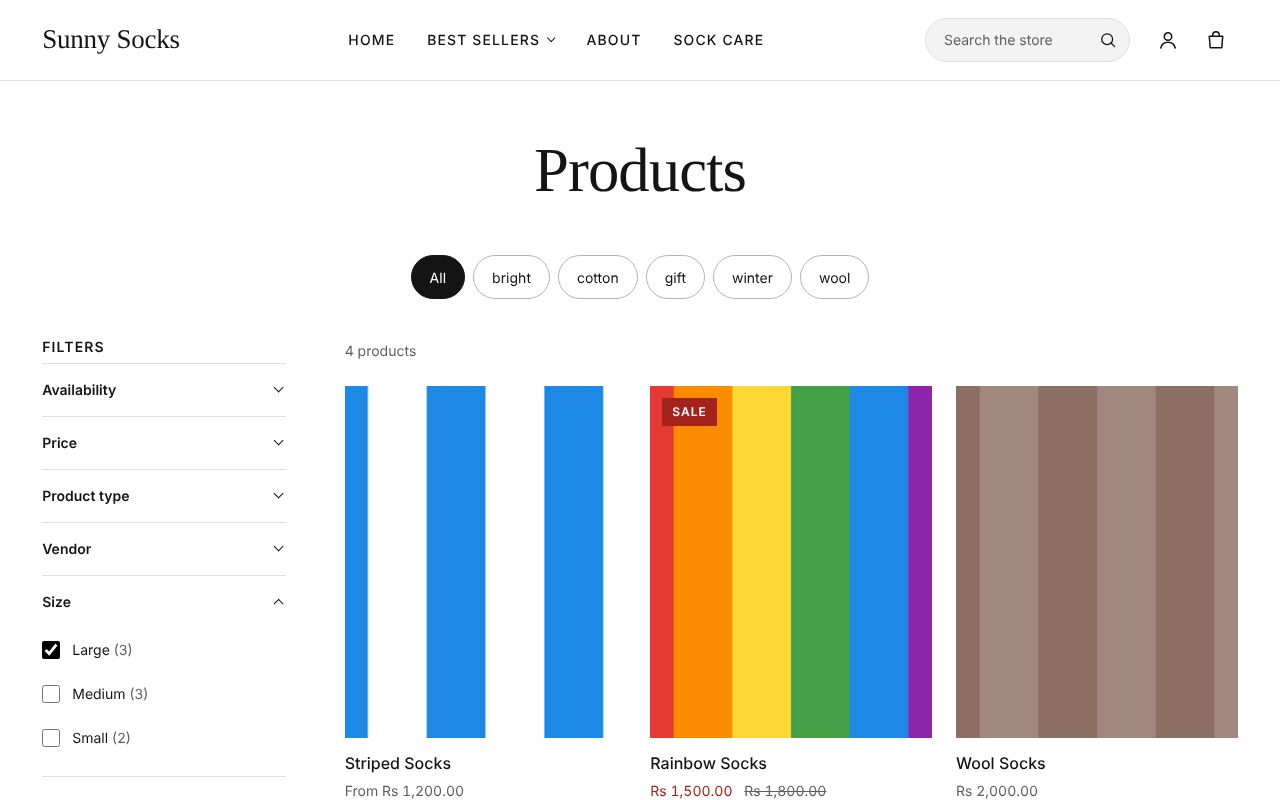
Shop all on the home page (or Catalog in the header of a store without a main menu) opens Products: every product for sale in the store, here 4 products.
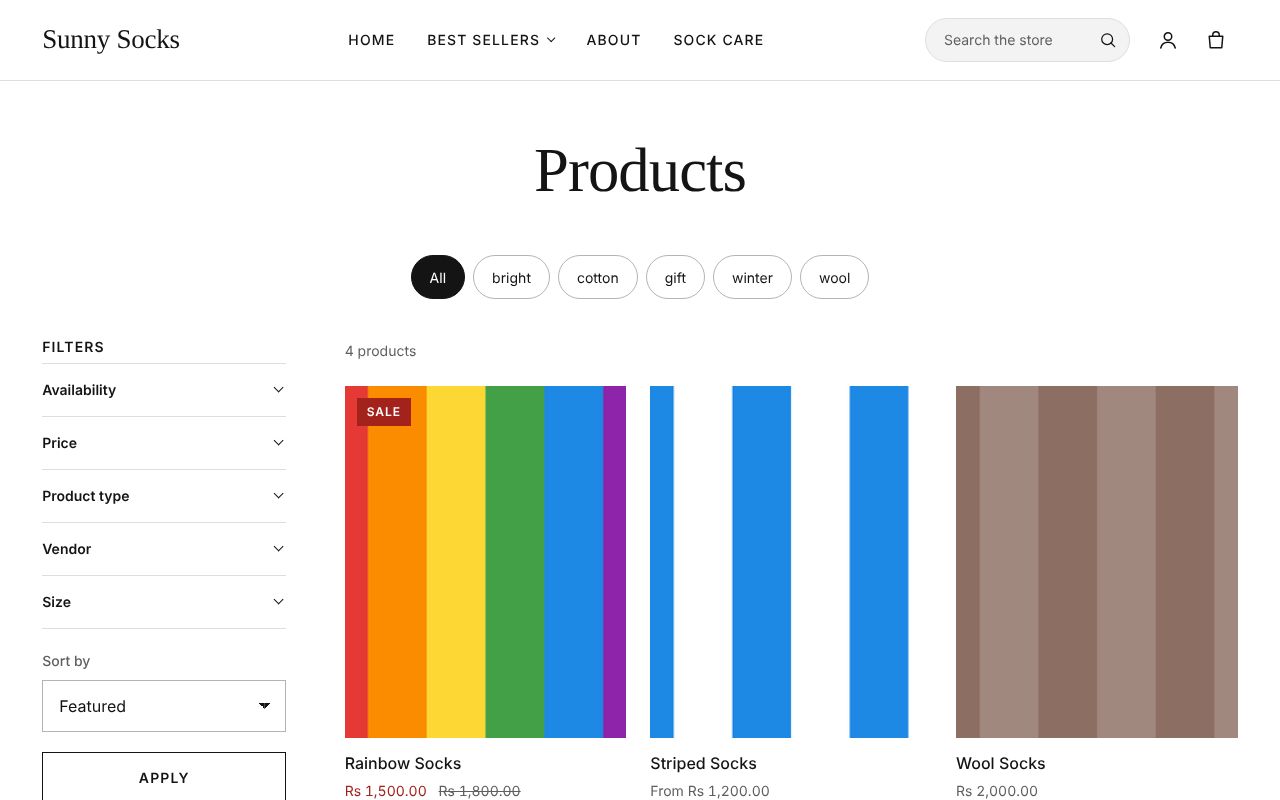
Each product card shows the product’s picture, its name and its price. A product on sale shows a red Sale label, its sale price in red and its old price crossed out, such as Rs 1,500.00 and Rs 1,800.00 for Rainbow Socks. A product whose sizes have different prices shows From and its lowest price, such as From Rs 1,200.00.
The round buttons at the top are the products’ tags: press one, such as wool, to see only the products with that tag. All shows them all again.
Sort the products
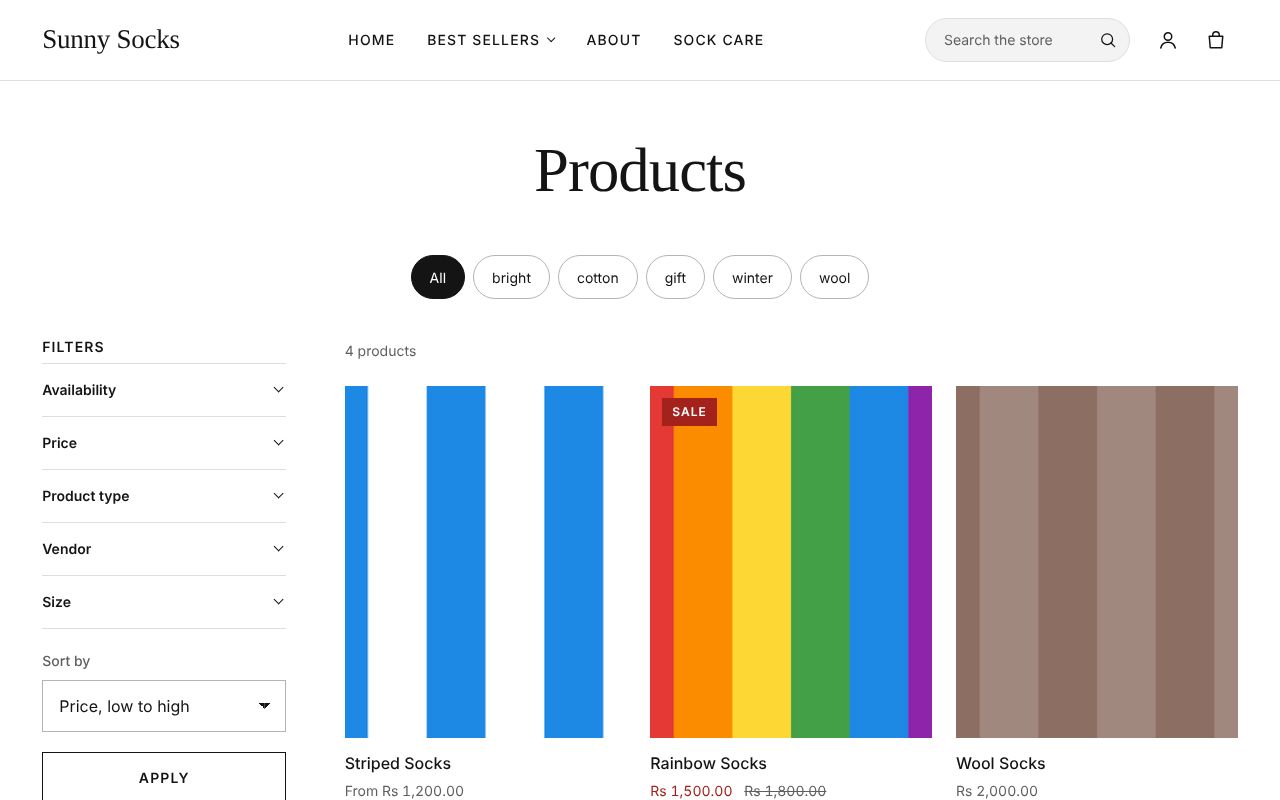
- Under Sort by, choose an order: Featured, Best selling, Alphabetically, A-Z, Alphabetically, Z-A, Price, low to high, Price, high to low, Date, old to new or Date, new to old.
- Press Apply.
Here Price, low to high puts Striped Socks (from Rs 1,200.00) first.
Filter the products
The Filters on the left narrow the products down. Which filters show is set by the owner in Online Store → Search (see Search filters). Here they are Availability, Price, Product type, Vendor and Size.
- Press a filter, such as Size. It opens to show its choices, each with how many products have it, such as Large (3), Medium (3) and Small (2).
- Tick one or more, such as Large.
- Press Apply (under Sort by).
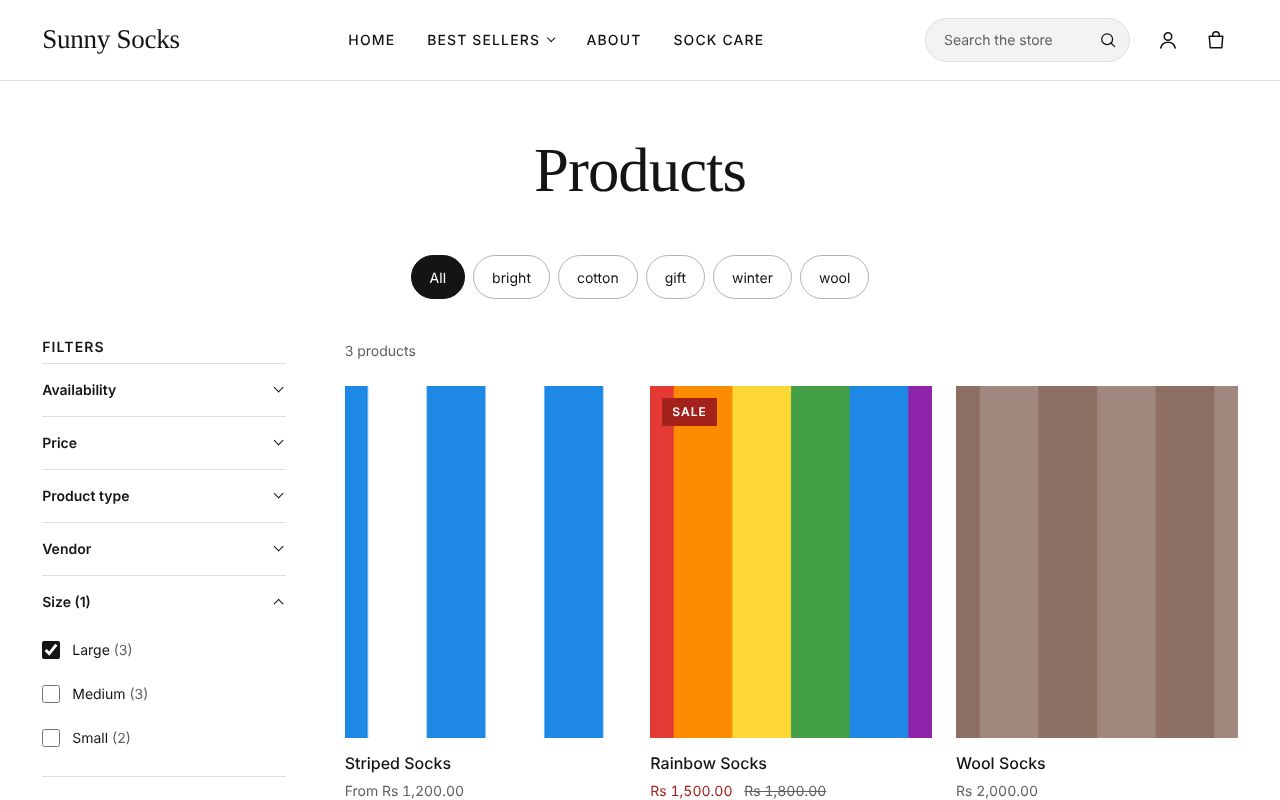
The page shows only the products that match, here 3 products: the Sock Gift Box, which has no Large, is gone. The filter’s name shows how many choices are ticked, Size (1).
A price range
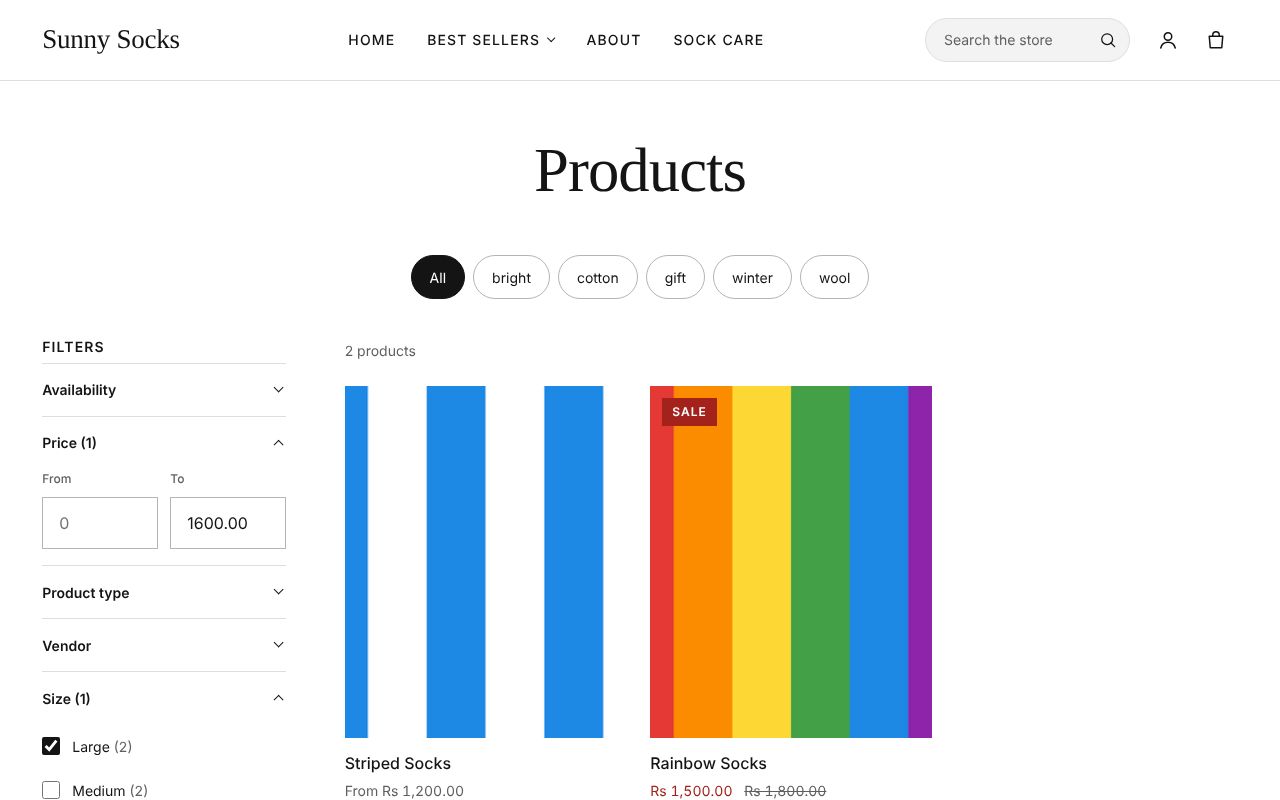
- Press Price. It has two boxes, From and To.
- Type the highest price you want in To, such as
1600, and press Apply.
Now only 2 products match both filters: Striped Socks and Rainbow Socks. The box shows 1600.00, and Price (1) shows it is in use.
Each filter in use is also listed under Apply as a small button, such as Size: Large ×: press one to remove that filter. Clear all removes them all.
What’s next
Search: find products, pages and blog posts by typing.